
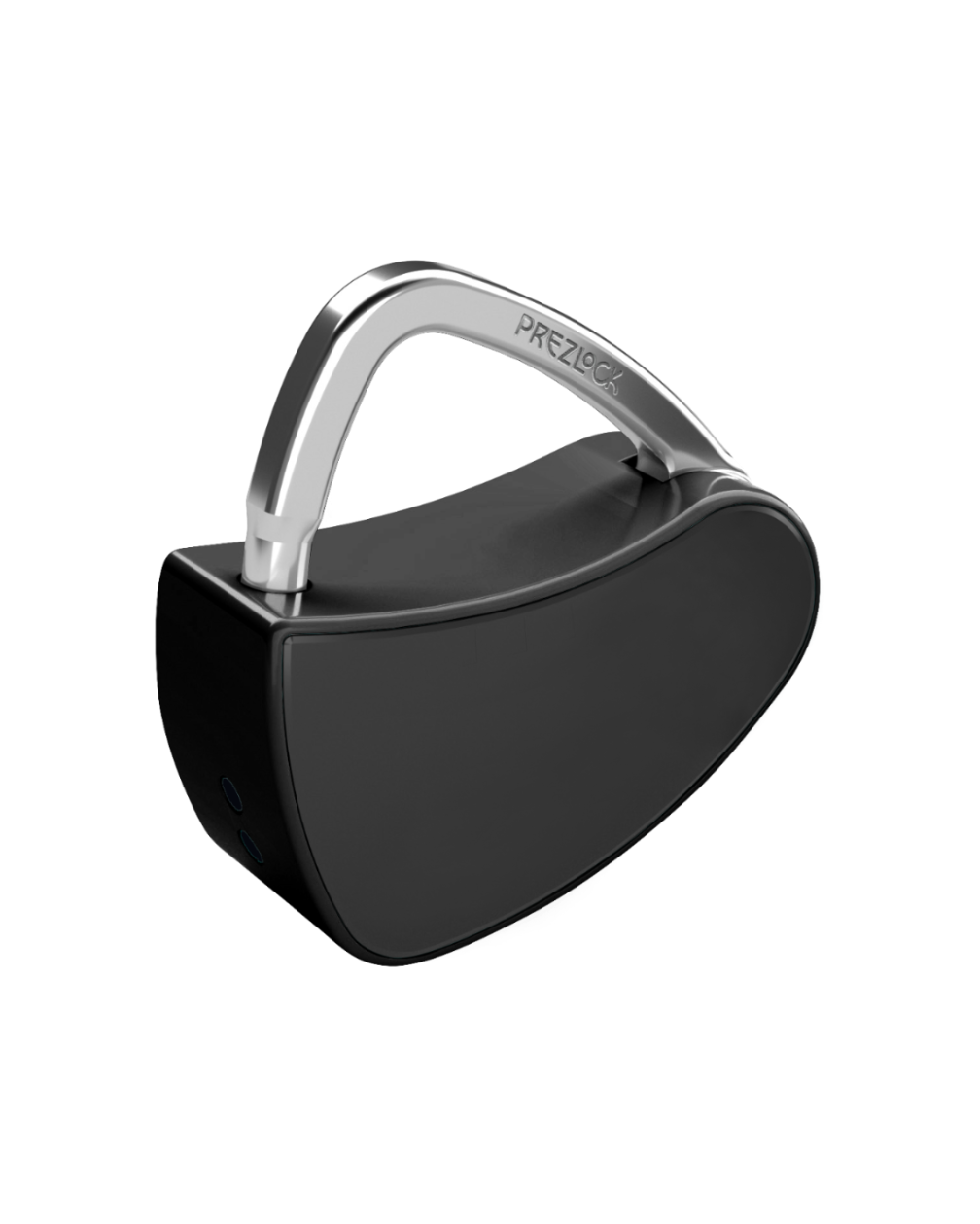
Prezlock Vivid
Pairs well with
In stock! Ships within 1-2 business days.
30-day money back
1-Year Warranty
Prezlock Vivid
If you have any questions, you are always welcome to contact us. We'll get back to you as soon as possible, within 24 hours on weekdays.
-
Shipping Information
Use this text to answer questions in as much detail as possible for your customers.
-
Customer Support
Use this text to answer questions in as much detail as possible for your customers.
-
FAQ’s
Use this text to answer questions in as much detail as possible for your customers.
-
Contact Us
Use this text to answer questions in as much detail as possible for your customers.
Compact and Light
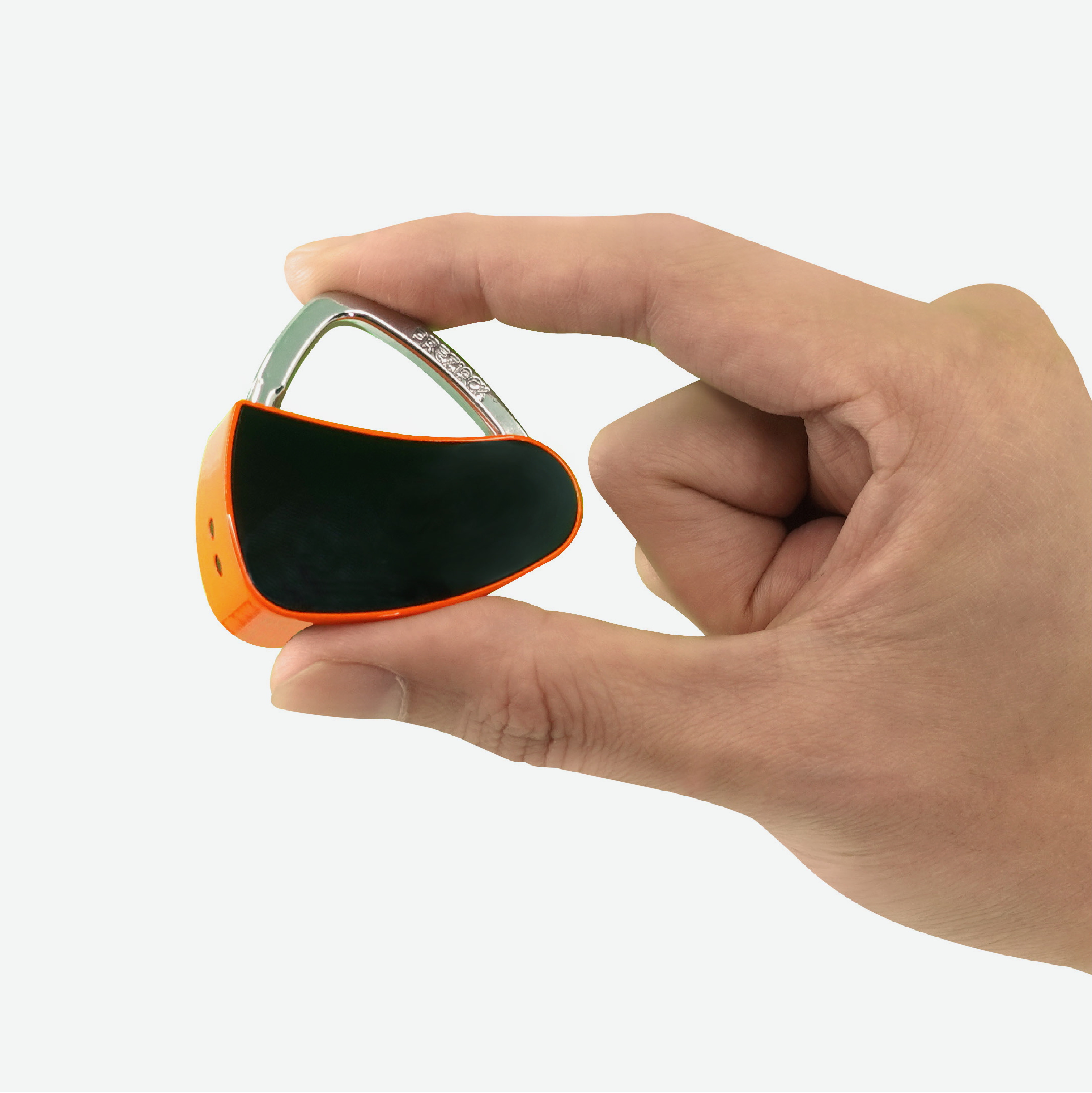
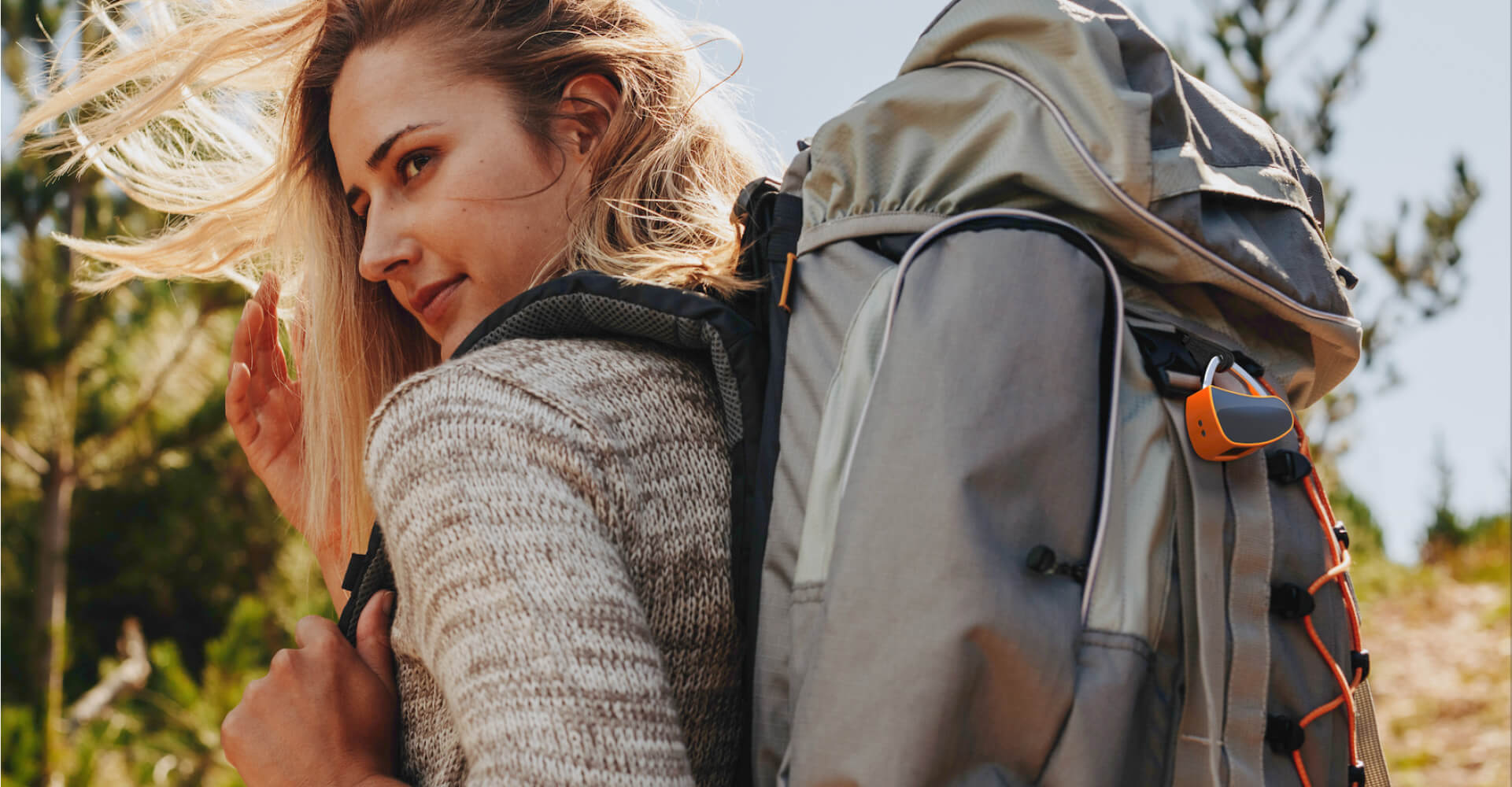
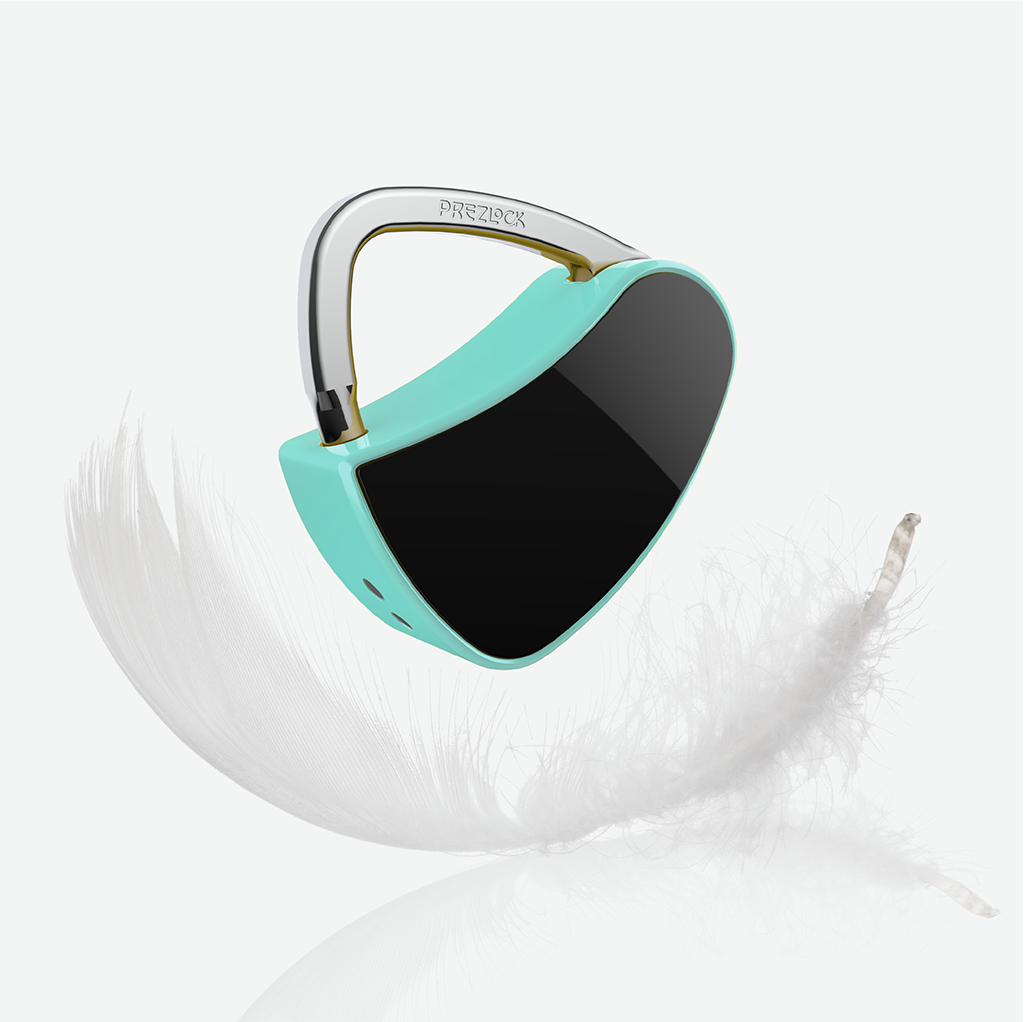
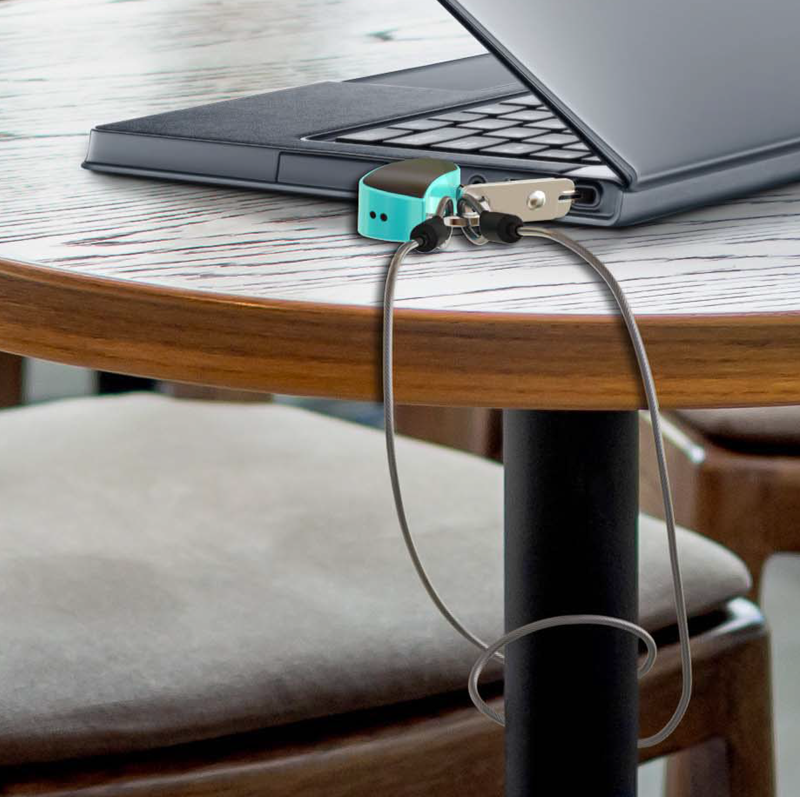
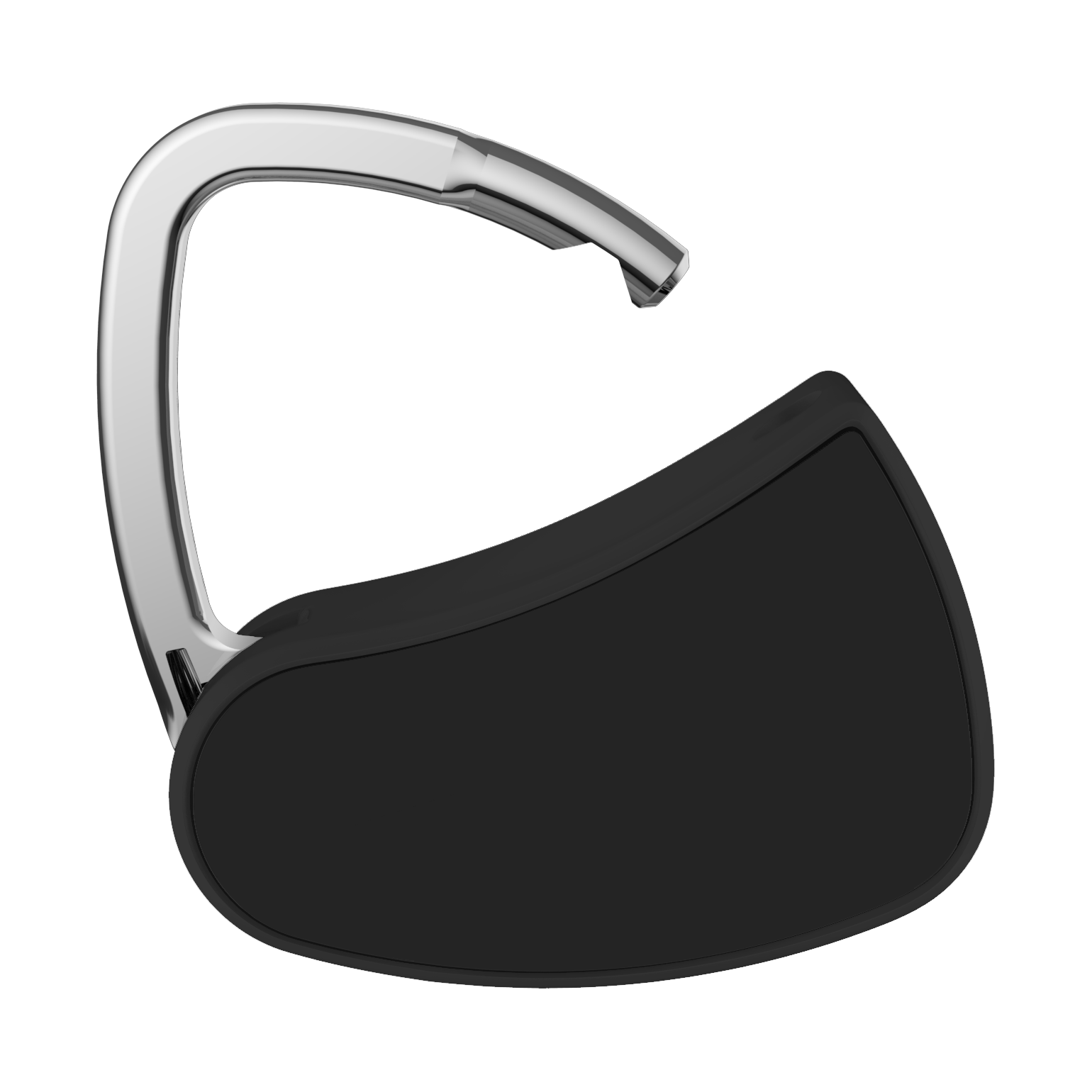
Our fingerprint padlock is light and compact, weighs only 1.6 ounce, and less than 2 inches in size. It is great for travelling and leisure sport uses.
Alternative Way to Open the Lock - Shackle Press Pattern (SPP)
The SPP is the alternative way to unlock your Prezlock, other than using fingerprints.
MASTER user can set up a self-set patterned sequence of ten long or short presses on the shackle to create a unique code to open the lock.
Product details
Specification
- Ways to unlock: Fingerprint or Personalize Shackle Press Pattern
- Working temperature: -4 to 140 degree F (-20C to 60C)
- Lock release time: About 0.7 seconds
- Item weight: 0.1 pound (46 gram)
- Item dimensions: 1.7 x 0.75 x 1.7 inches (43 x 19 x 43mm)
- Shackle hole diameter: 0.2 inch (5mm)
- Case and shackle material: Metal alloy
- Number of fingerprint storage: Up to 25 fingerprints
- Sensor lifespan: 1 million fingerprint senses
- BatteryRechargeable: built-in Lithium battery (105mAh)
- USB Port: Micro USB
- Charger: 5V/1A
What's in the package?
- Prezlock Vivid: x1
- Charging cable: x1
- Pin tool: x1
- User manual: x1
FAQs
Q1: How many fingerprints can the Prezlock Vivid store?
The lock can store up to 25 unique fingerprints. The first fingerprint you register becomes the "MASTER" fingerprint, which acts as the administrator and is required to authorize the addition or deletion of any subsequent fingerprints.
Q2: What is the battery life, and how do I recharge it?
The built-in rechargeable battery delivers exceptional performance, lasting up to 12 months or approximately 5,000 unlocks on a single charge. It fully recharges in about one hour using the included Micro USB cable and is fully compatible with standard portable power banks.
Q3: What happens if the battery dies while the lock is secured?
If the battery depletes completely, the lock remains securely closed. Simply connect it to a power source, such as a portable power bank, using a Micro USB cable. Once connected, you can immediately use your registered fingerprint to unlock it. Additionally, the lock features a low-battery warning: a red LED will blink continuously for 5 seconds when you press the shackle.
Q4: Is there a backup unlock method if the fingerprint sensor fails or my finger is injured?
Yes! The lock features a reliable backup method called the Shackle Press Pattern (SPP). You can program a custom sequence of 10 long and short presses on the shackle, allowing you to manually open the lock without needing a fingerprint.
Q5: Is the Prezlock Vivid waterproof? Can I use it outdoors in the rain?
No, the lock is not waterproof and should not be submerged in water or exposed to heavy rain. It is designed primarily for indoor use or sheltered outdoor environments. For safety, never attempt to recharge the device if it is wet.
Q6: Is this lock suitable for airline travel and luggage?
You can safely use the Prezlock Vivid on your carry-on luggage. However, because it is not TSA-approved, we strongly advise against using it on checked baggage, as security personnel may need to cut it off for inspection.
Q7: What are the dimensions of the lock, and what applications is it best suited for?
The lock features a highly compact design, measuring 43 x 19 x 43 mm and weighing just 46 grams. The shackle has a 5 mm diameter with a clearance of 15 x 26.5 mm, making it the perfect size for gym lockers, backpacks, cabinets, and small toolboxes.
Q8: How do I reset the lock to factory settings if I want to transfer ownership?
To restore factory settings, use the included tool to press and hold Button 1 and Button 2 simultaneously for 5 seconds until the blue and red LEDs blink together. Next, place your MASTER fingerprint on the sensor to authorize the reset. This process will securely erase all stored fingerprints and custom patterns.
Q9: What happens if someone tries to guess my fingerprint or uses an unregistered finger?
If an unregistered fingerprint is detected, a red LED will illuminate to indicate an error. For enhanced security, if the MASTER fingerprint fails authorization 5 consecutive times, the lock will temporarily disable itself for 1 minute to prevent tampering.
Q10: The shackle isn't locking properly when pushed down. How can I troubleshoot this?
A: If the locking mechanism becomes misaligned, place a registered fingerprint on the sensor. Then, use a small pin tool (approximately 2mm in diameter) to push the inner switch located inside the shackle hole. Adjust it until you see a green LED and hear a distinct clicking sound, indicating the mechanism has been successfully restored to normal operation.