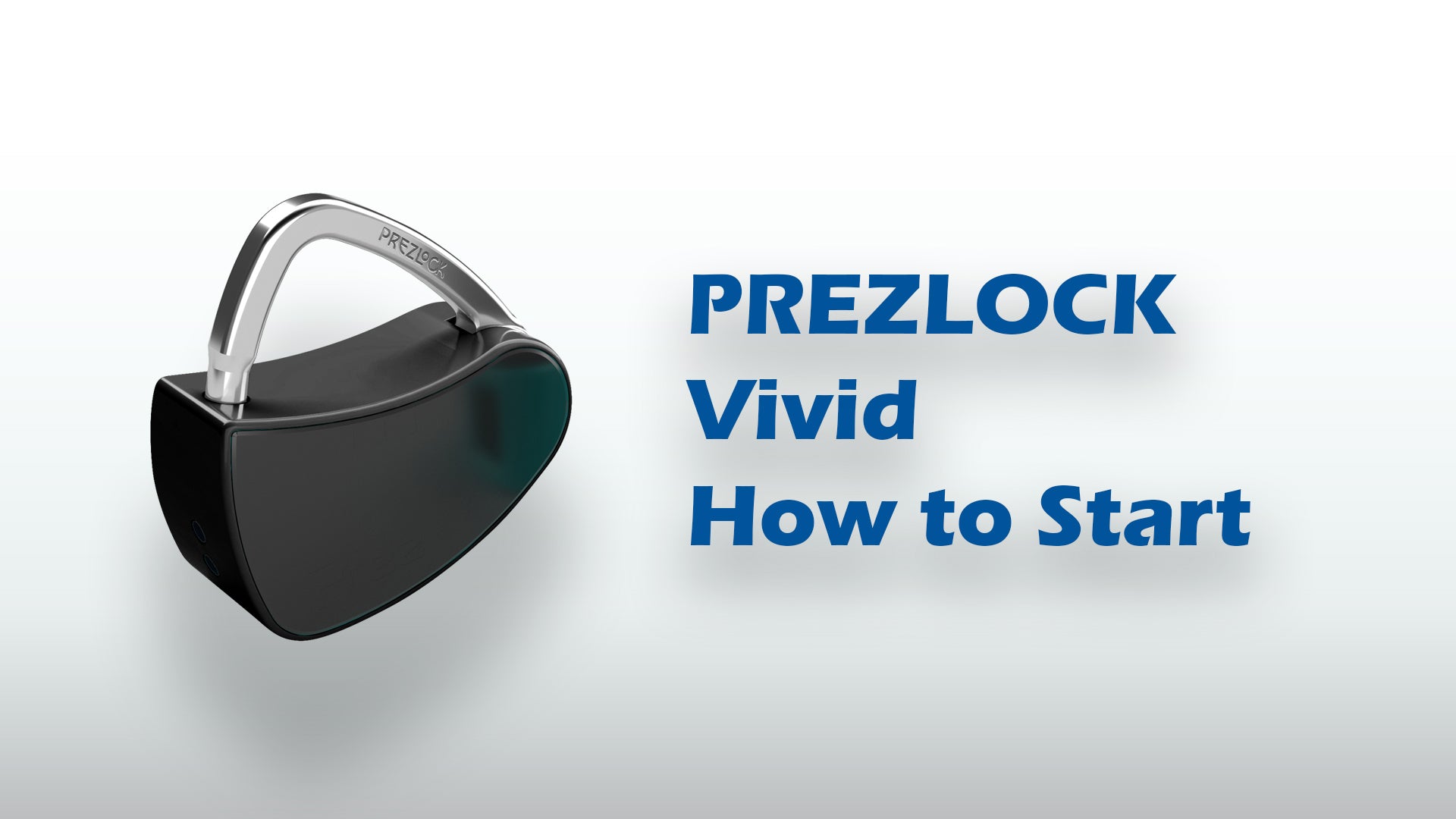
Instruction and Manual of Uses
How to use Prezlock products

Prezlock Pebble
Quick access of following instruction:
- 0:25 Set your master fingerprint.
- 0:53 Set other fingerprints
- 1:25 Restore factory settings
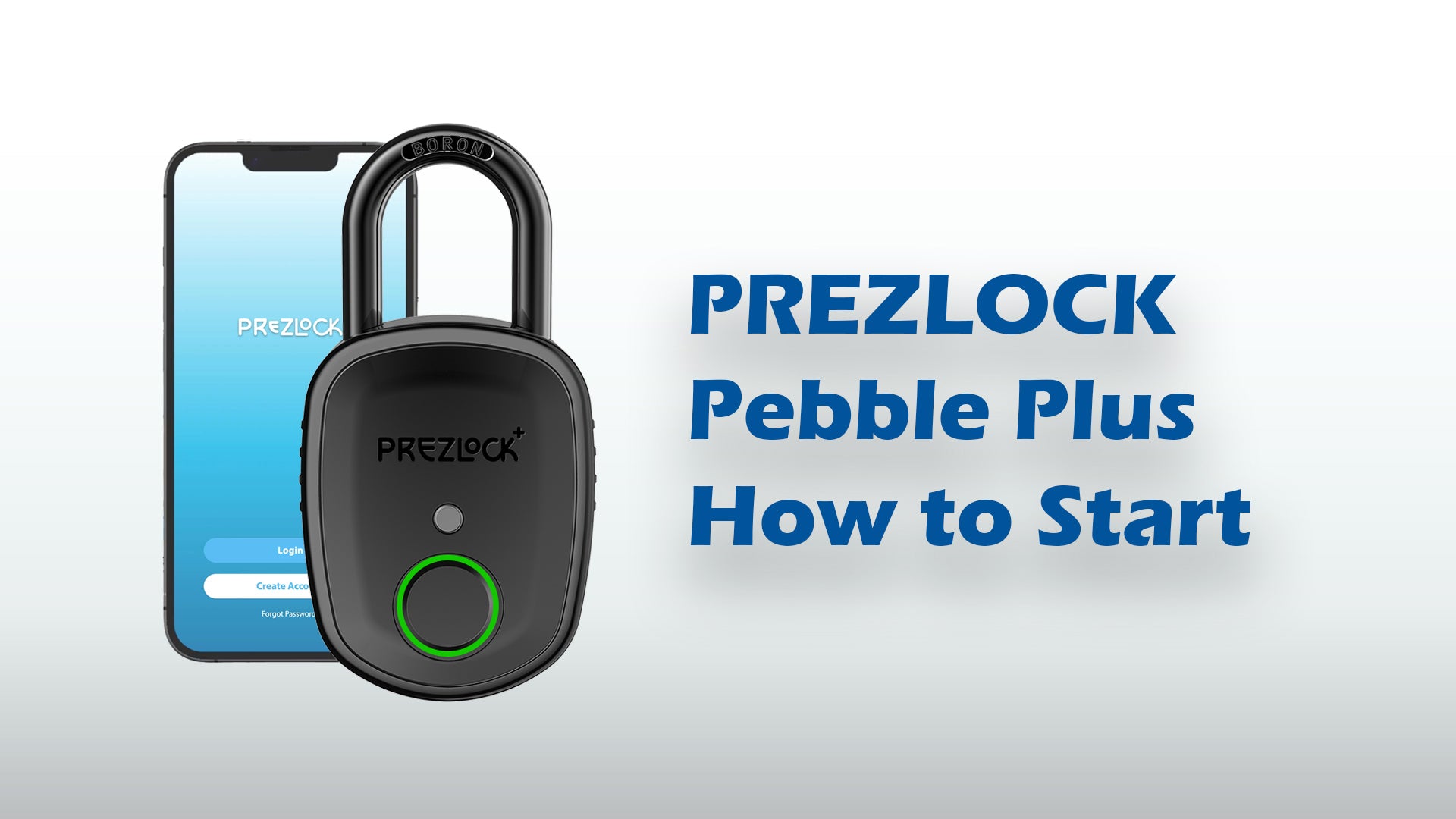
Prezlock Pebble Plus
Quick access of following instruction:
- 0:03 Register your Prezlock App account.
- 0:18 Add your Prezlock Pebble plus to your Prezlock App
- 0:28 Add your fingerprints.
- 0:45 Add users to your Prezlock Pebble plus.
- 1:15 Share your Prezlock Pebble plus.
- 1:36 Auto-Unlock features

Prezlock Digitt
Quick access of following instruction:
- 0.03 Factory passcode
- 0:27 Set master code
- 0:57 Set user code
- 1:53 Delete all user codes
- 2:35 Delete designated user code
- 3:22 Delete master code
- 3:38 Restore factory settings